|
|
|
Result:Find relevant topics 6 individual
-
 Title:组态软件:Kinco DTools /Source classification :product
content: 组态软件:Kinco DTools
Time:2019/8/8 11:43:05 -
 Title:组态软件:Kinco DTools /Source classification :news
content: 组态软件:Kinco DTools
Time:2019/8/8 20:14:27 -
 Title:Recipe Function of Dtools software for Kinco Green series HMI /Source classification :news
content: Recipe Function of Dtools software for Kinco Green series HMI
Time:2020/3/25 10:01:25 -
 Title:Kinco DToolsPro: Join hands with Qt to create a new era of industrial touchscreen technologies /Source classification :news
content: Kinco DToolsPro x Qt, Creating A New Era of Industrial Touchscreen TechnologiesIn the wave of digitalization, touchscreen configuration software has become an important base for the digital transformation and upgrading of enterprises. Efficient and easy-to-use configuration software is the key to improving development efficiency, reducing costs and increase efficiency, and contributing to customer success.Kinco DToolsPro, a new generation of Kinco touchscreen configuration software, has officially obtained the official authorization of the Qt platform to further enhance the functions of Kinco configuration software, enrich the user interface, optimize the user experience, and help enterprise engineers quickly develop efficient solutions and greatly improve development efficiency.Qt platform: a powerful backup force for industrial touchscreen softwareQt is a powerful cross-platform application framework that provides rich graphical interface components, efficient memory management, and flexible development tools to help developers build stable, efficient, and good-looking cross-platform applications.HMI software developed based on the Qt platform has significant advantages:1. Powerful cross-platform compatibilityQt supports various operating systems, ensuring that HMI configuration software maintains excellent performance on different platforms.2. Rich API and debugging toolsQt provides a wealth of APIs and debugging tools to help developers quickly respond to needs and improve development efficiency.3. Efficient memory managementThe Qt platform has excellent memory management capabilities, ensuring that the HMI configuration software remains stable during operation.Kinco DToolsPro: the best choice for industrial touchscreen softwareKinco DToolsPro software, developed based on the Qt platform, not only inherits the advantages of the Qt platform, but also demonstrates excellent capability in industrial control.1. Excellent operating experienceKinco DToolsPro uses the graphical interface components of the Qt platform to provide users with an intuitive, good-looking, and easy-to-operate interface, improving the efficiency in configuration.2. Strong development processKinco DToolsPro uses the rich APIs and powerful debugging tools of the Qt platform to respond to market demands more quickly. Through optimizing and updating the functions continuously, it meets the changing needs of users and ensures the delivery of user projects on time.3. Stable and secureKinco DToolsPro draws on the Qt platform's efficient memory management and stable performance to ensure efficient and stable software operation, guaranteeing production continuity and stability as well as user safety.4. Flexibility and scalabilityKinco DToolsPro's modular design based on Qt makes it flexible and extensible. Users can customize and expand software functions according to their needs to better adapt to specific application scenarios.5. Long-term technical support and updatesQt is a mature, stable, and widely used platform, users can expect long-term technical support and updates from it. This ensures that Kinco DToolsPro always maintains the latest features and technologies, providing continuous value to users.Looking forward to the future, we will work together to create a new era of industrial controlKinco continues to promote close collaboration with its partners with an open attitude, bringing efficient and easy-to-use solutions to enterprises through Kinco DToolsPro configuration software, and jointly moving towards a new era of industrial control technology.In the future, Kinco will continue to promote technological innovation and develop advanced products and software to meet customers' needs for digitalization, help customers thrive in the digital age, create a smarter, more efficient and sustainable industrial future, and make Chinese manufacturing the world's top manufacturing.
Time:2024/4/8 16:29:29 -
 Title:Wireless Update! Kinco DToolsPro Independent Desktop and WiFi Series HMI /Source classification :news
content: Wireless Update! Kinco DToolsPro Independent Desktop and WiFi Series HMI
Time:2024/7/19 14:51:10 -
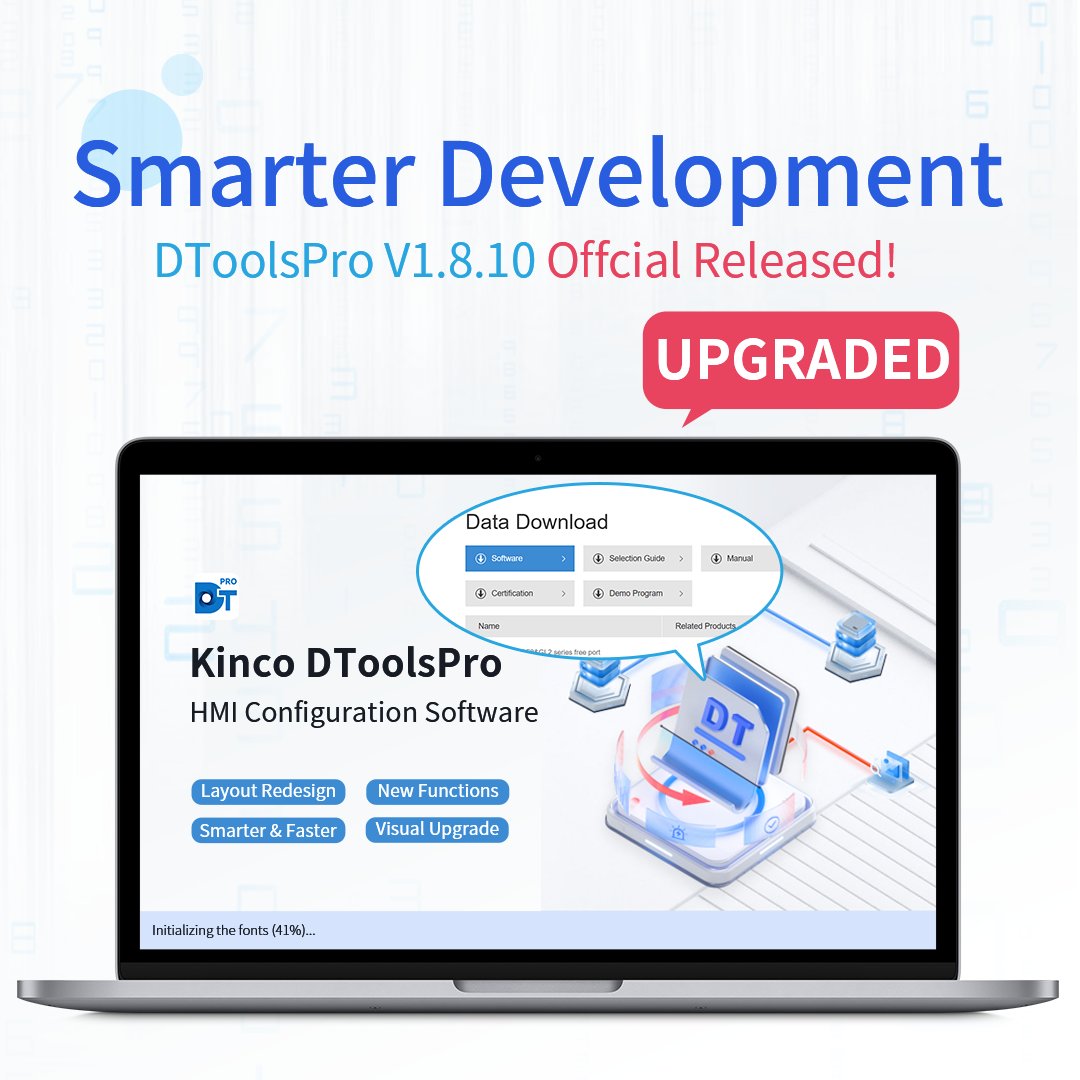 Title:Kinco DToolsPro V1.8.10 Official Release /Source classification :news
content: Kinco is proud to announce the official release of DToolsPro V1.8.10! This version brings powerful new features and thoughtful enhancements designed to improve user experience, expand industrial application adaptability, and boost development efficiency.Industrial Connectivity & Seamless CollaborationOPC UA Server Integration: Seamlessly connect with the Industrial IoT and enable efficient data exchange between devices.Online Update: Automatically detect updates and upgrade with one click — save time and effort.Recipe Management Optimization: Supports Select All, variable input locking, and reverse positioning — improves recipe editing efficiency by up to 50%.Fully Upgraded InteractionGIF Components: Add animation to your HMI screens to make interfaces more dynamic.Display Orientation Switching: Easily switch between portrait and landscape modes based on installation environment.Window Monopolization: Improved multi-window management for better interaction and safety.Smart Search: Quickly find windows in the project tree with the new intelligent search function.Enhanced Web Browser: Optimized for smoother keyboard use, pop-ups, and scrolling interactions.Data Monitoring — Efficient and IntuitiveAlarms & Trend Charts: Custom queries and variable monitoring help accelerate troubleshooting.List Component Upgrades: Column freezing and auto-wrapping make large data displays clear and manageable.⚙️ Driver Upgrades — Seamless CompatibilityNew PLC Drivers: Now supports Mitsubishi iQ-R, Yaskawa MP3000, Delta DVP, and more.Free Protocol Support: Integrate non-standard devices with flexible communication via custom protocols.Performance Enhancements: Improved speed with Omron NJ/NX and Siemens Safety PLC support for higher stability.DToolsPro V1.8.10 is more than an upgrade — it's a leap forward in usability, compatibility, and industrial intelligence.Download the latest version today and experience the future of HMI development.
Time:2025/8/7 17:07:18